Optical & Networking Products
Try Network OS-V Free

How Network OS Works

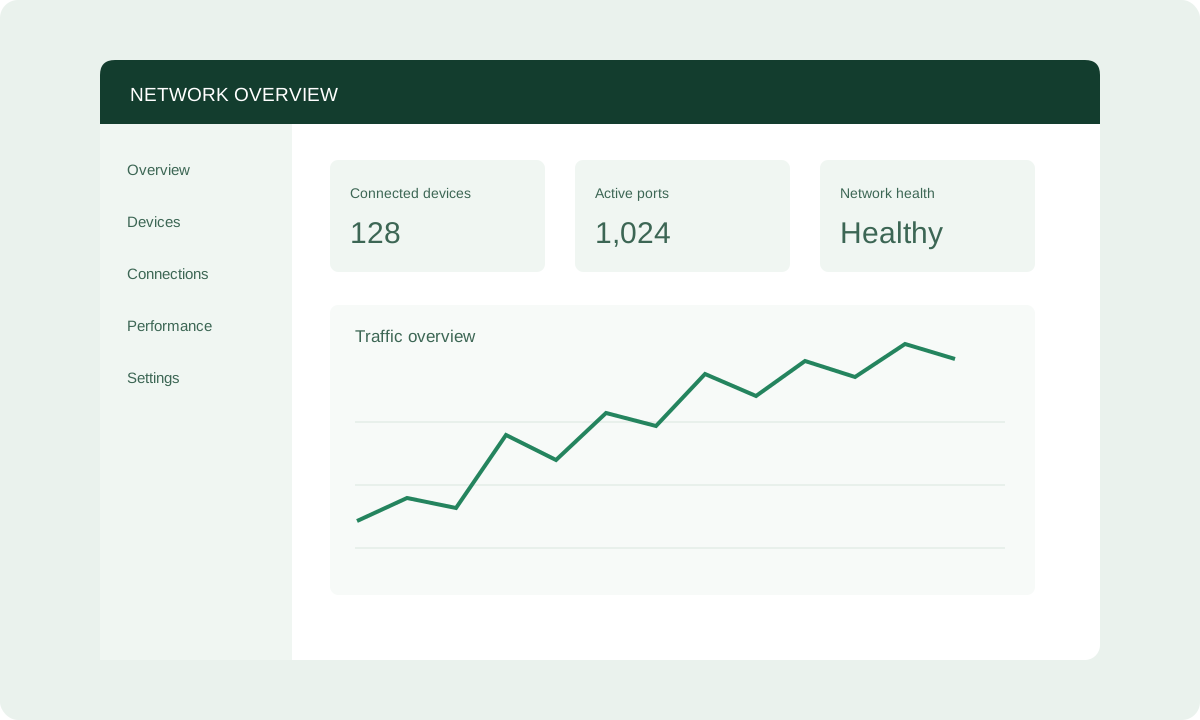
Network OS fully supports Broadcom switches and offers software with essential Layer 2/3 protocols and telemetry APIs to enhance network performance and management. In addition, with automatic configuration and central management through Data Centre Management/Campus, Network OS enables more resilient and efficient network operations at a lower cost for campus and data center networks. For an even more hands-on experience, you can try Network OS for free through the Network OS-V platform at your own pace with no commitments.

icon

Why Choose Network OS?

  • Complete Standardization

    Complete Standardization

    Support standard protocols for backward compatibility with your current network, enabling upgrade at whatever speed IT budgets allow.

  • Data Centre Management/Campus for Automation

    Data Centre Management/Campus for Automation

    Write Ansible playbooks to create and schedule customized workflows with easy-to-read reports, achieve automated configuration.

  • Full Support for Broadcom

    Full Support for Broadcom

    Equipped with Broadcom chips, Network OS switches enhance network performance and reliability in campuses and data centers.

  • High Reliability and Scalability

    High Reliability and Scalability

    Switches running Network OS with both EVPN-VXLAN and MLAG can facilitate the establishment of networks that are nimbler, secure, scalable.

  • Reduced OpEx

    Reduced OpEx

    Explore suitable products and discuss your project requirements with our team.

  • Network Security

    Network Security

    Network OS interoperates with solutions from major vendors and enables zero-trust security for campus access layers with integrated leading NAC Policy Manager.

What Makes Network OS Unique?

Discover how Network OS delivers agile, secure, and scalable networking for data centers and campuses.

What You Get with Network OS

Network OS delivers comprehensive networking features across L2/L3, availability, security, and management to elevate network performance and streamline management. For new or custom feature requests, please submit a Network OS Features Develop Request.

Key Features

  • EVPN-VXLAN: Construct a virtual Layer 2 network and create virtual tunnels over IP networks, enabling cross-regional and cross-data center data migration and flexible resource allocation.
  • Security: Ensure secure network management with support for ACL, RADIUS, TACACS+, and DHCP Snooping.
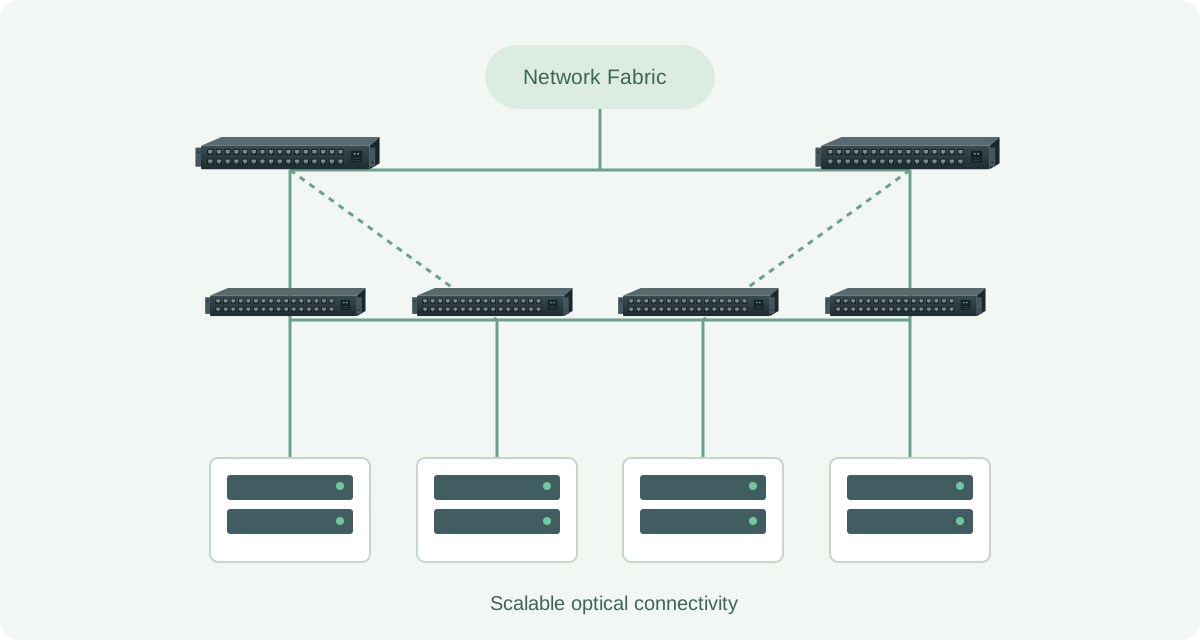
  • MLAG: Provide physical switch-level redundancy, avoid single-point failure, and maximize overall utilization of the total available bandwidth in your Ethernet fabric.
  • Spanning Tree: Support a suite of Spanning Tree Protocols, vital for preventing network loops and ensuring the efficient delivery of Ethernet frames in a Layer-2 network, including STP, MSTP, RSTP, and PVST.
  • Link Layer Discovery Protocol (LLDP): Run over the data link layer which allows two different devices to gather hardware and protocol information about neighboring devices that is useful in troubleshooting the network.
  • Full-featured 802.1x: Enhance security and enable seamless integration across multi-vendor devices for the enterprise access layer catering to IoT, authorized users, and guests.
  • Voice VLAN: Improve voice traffic transmission priority and guarantee voice quality by assigning voice traffic to a dedicated VLAN without competing with other traffic.
  • Zero-Touch Provisioning: With Data Centre Management/Campus's Push-Button Deployment capability, Data Centre Management/Campus radically simplifies installation and configuration of large numbers of remote switches running the Network OS network operating system.

Standard Technology

  • CrossFlow™ Dual Control Plane Technology:  Improve OpenFlow integration, scale and management (Layer-2 / Layer-3 and OpenFlow running simultaneously on switch ports).
  • Native Security: From OpenSSH to authentication, Network OS keeps your switches secure.
  • Software Driven: Our software writes directly to the sil'icon' through a software abstraction layer, giving you a software-driven and hardware-accelerated approach.

Explore Network OS Switches

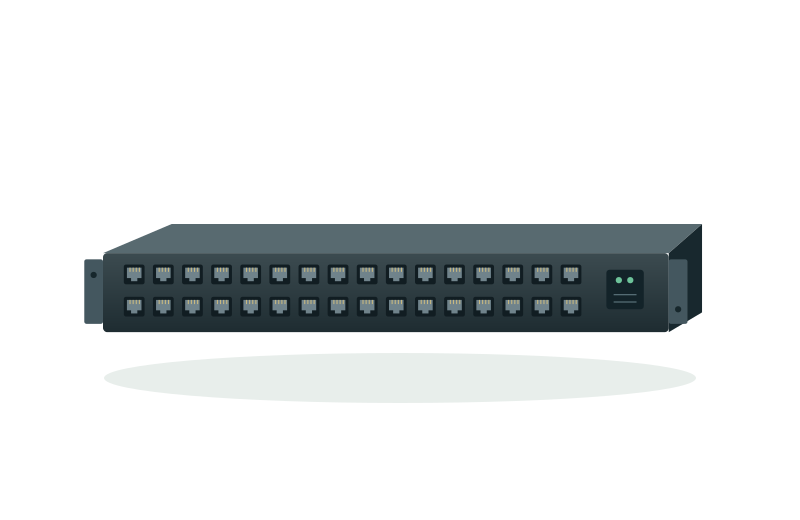
Share your technical specifications, compatibility needs and project requirements with our team to explore suitable products and support options.

Data Center Network
Enterprise Network

Data Center Network

  • 10/25G Network OS Switches

    10/25G Network OS Switches

  • 100G Network OS Switches

    100G Network OS Switches

  • 200G Network OS Switches

    200G Network OS Switches

  • 400/800G Network OS Switches

    400/800G Network OS Switches

Enterprise Network

  • 1G Network OS Switches

    1G Network OS Switches

  • 2.5/5G Network OS Switches

    2.5/5G Network OS Switches

  • 10G Network OS Switches

    10G Network OS Switches

  • 100/200G Network OS Switches

    100/200G Network OS Switches

Feature Solutions

Additional Services

Optic Lab Technical Support

Optic Lab Technical Support

View our professional 'services' deployment and engineering consultancy 'services', and learn how to get help about deploying our products and solutions. Please contact us if you have any questions regarding any of our products and solutions.

Get Started with Network OS

Prefer to try before you buy? Try Network OS for free on the Network OS-V virtual platform.